
A closer look at Hive.
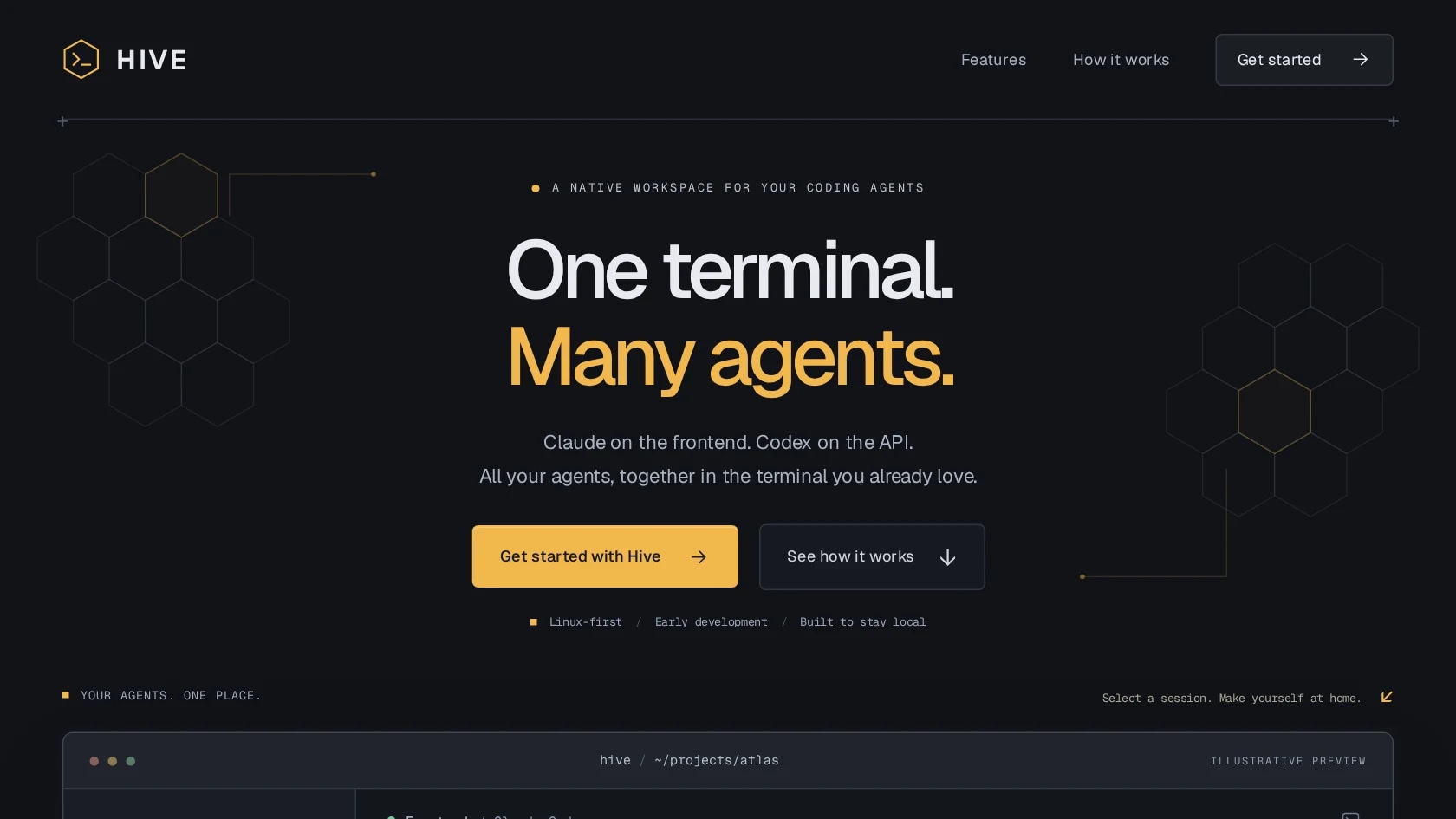
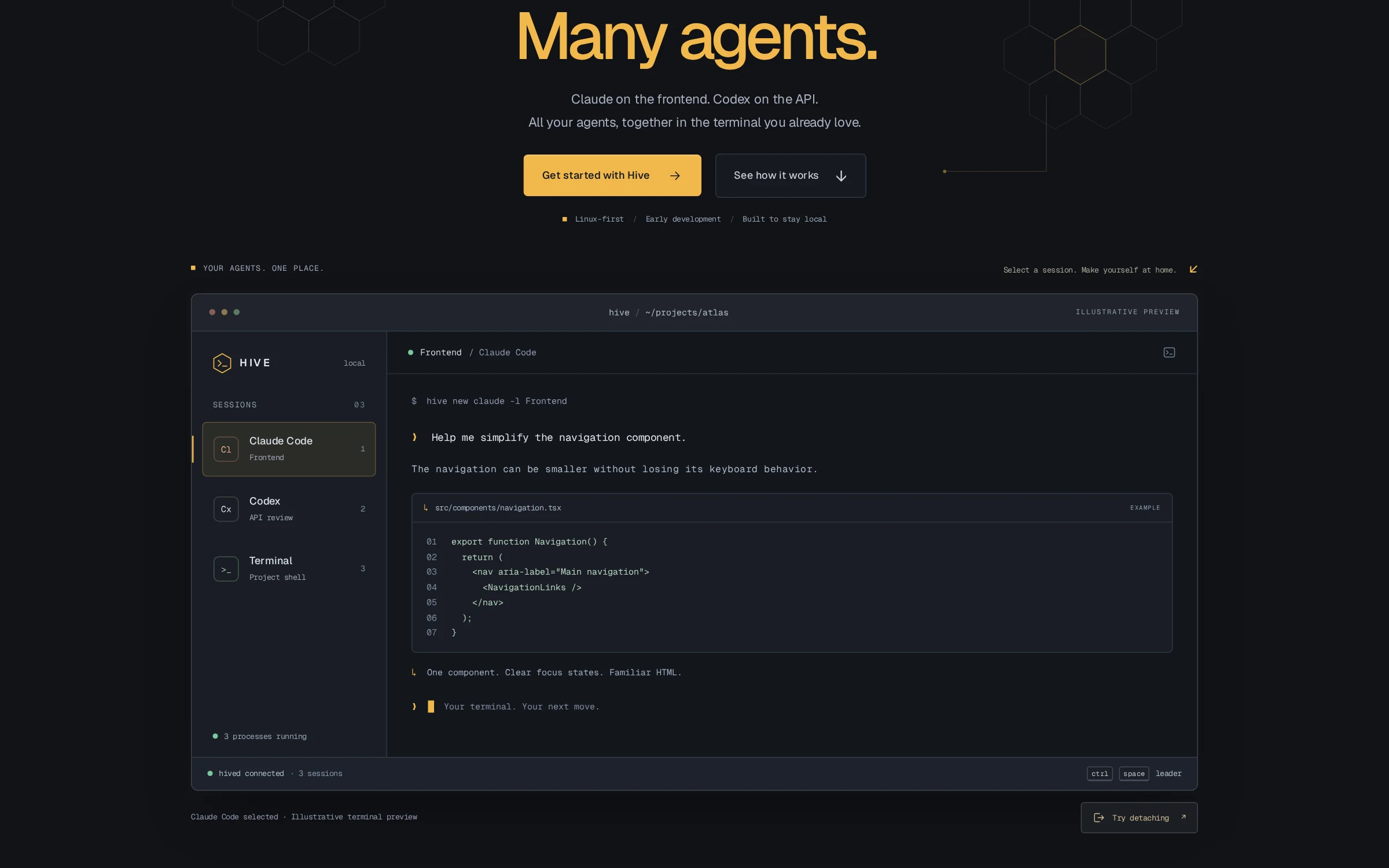
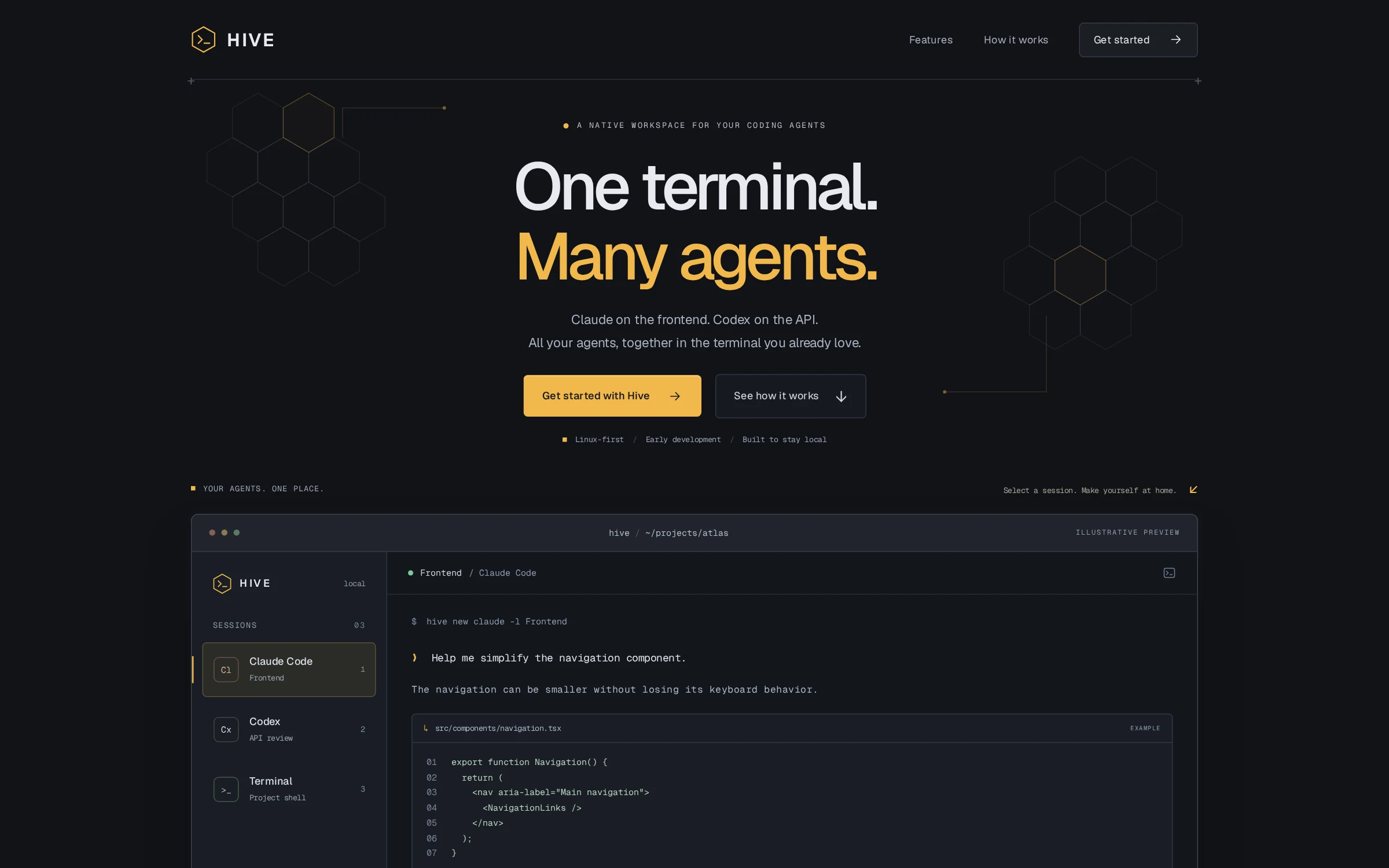
Hive gives developers one place to run several coding agents at once without changing the tools themselves. Each agent keeps its own prompts, permissions and account; Hive supplies the terminal, a session sidebar and a way to leave and come back. It runs locally on Linux, macOS and Windows, with no Hive account or cloud service, and is released under the MIT license.
The challenge
Developers increasingly run more than one coding agent: one on the frontend, another reviewing an API. Keeping each in its own terminal window or tab makes them easy to lose, and closing the wrong window ends the agent's work. General-purpose multiplexers help, but their keybindings collide with the agents' own, and they know nothing about which agent is which.
The product experience
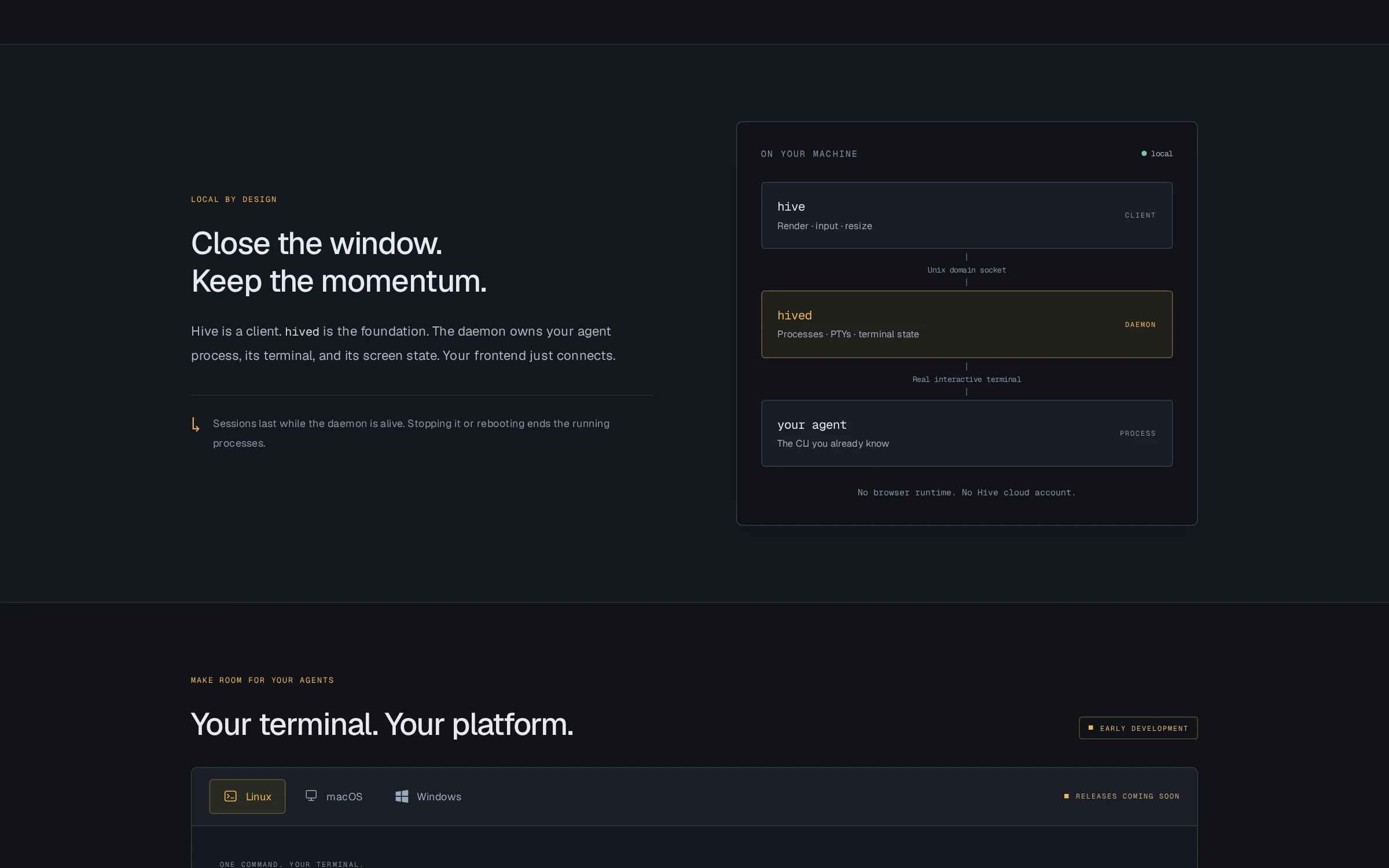
A background daemon, hived, launches each agent in its own pseudo-terminal and keeps the authoritative screen state. The hive client renders the attached session beside a sidebar of all sessions, forwards keystrokes, and follows terminal resizes. Ctrl+Space opens Hive's commands for switching, renaming, launching and detaching; everything else goes straight to the agent. Reattaching restores the exact current screen, and a second window can watch a session until it explicitly takes control. Sessions are grouped into spaces by Git repository, each agent can get its own worktree and branch, the sidebar shows whether each agent is working or waiting for you, and split panes and tabs show several agents at once.
- Several agents running side by side in one terminal, with switching, renaming and termination from a sidebar.
- Agents keep running when the frontend detaches or crashes, and reattaching restores the exact screen.
- Sessions come back after a daemon restart or upgrade, and Claude Code and Codex resume their conversations.
- Released as static binaries for Linux, macOS and Windows (v0.5.9, November 2026), with 212 automated tests run against real terminals in CI. No adoption figures are claimed.
Product & engineering
Hive is a Rust workspace of eight crates: protocol, core, daemon, agents, workspace, notes, terminal UI and CLI. The client and daemon exchange length-prefixed postcard frames over a per-user Unix socket with owner-only permissions and a peer UID check, or a token-authenticated named pipe on Windows. The daemon feeds PTY output through a vt100 emulator and answers terminal queries itself, so agents behave correctly even with no client attached. Attaching takes a screen snapshot and subscribes in one step, so nothing is missed or duplicated, and slow clients resynchronise from a fresh snapshot rather than buffering without limit. The ratatui client mirrors only the panes of the visible tab, so background agents cost the frontend nothing. Agent status is detected in the daemon from the process running in each terminal and herdr-compatible screen rules.
The decisions that shape the work
The daemon owns the processes
Agents, PTYs and terminal state live in hived, so a crashed or closed frontend never takes an agent's work with it.
Leave the agents alone
Hive launches the CLI developers already use, in a real terminal, rather than wrapping or re-implementing it.
Bounded everywhere
Fixed-size queues and snapshot resync keep one noisy session or slow client from stalling the others.
Working within the constraints
- Agents must run unmodified in a real interactive terminal, with their own permission prompts intact.
- Hive's own commands need a leader key that stays out of the way of normal agent input.
- Agent status must never be guessed: it comes from screen rules or the agent's own report, otherwise it shows as unknown.
- It must work without special fonts, in 16- and 256-colour terminals and with colour turned off.
- Processes can't outlive the daemon itself; after a restart Hive restores the session list and resumes agents that support it rather than claiming the old processes survived.
Have a similar challenge?
For teams building developer tools or command-line products, Hive shows the systems work underneath a simple interface: process ownership, terminal emulation, a local protocol and recovery when a client disappears.
Talk about your project