A request for custom software often arrives as a solution: build a portal, add an AI assistant, connect two systems, or replace a spreadsheet. The request may be right. It is still worth understanding the work underneath it before turning it into a backlog.
The useful question is not only “What should the software do?” It is “Who is trying to finish which job, what gets in the way today, and what would a better result look like?” That shift helps a team distinguish a real product need from a feature that only moves the same confusion onto a new screen.
Start with one real task
Choose a task that someone actually performs. Follow one recent example from its trigger to its finished state. Write down:
- Who notices that the task needs to happen?
- What information do they need before they can act?
- Which tools, records, or people are involved?
- What tells them the task is complete?
- What happens when information is missing or the usual path fails?
Keep the first map narrow. A team that tries to describe every department and exception at once can end up with a complicated picture that does not help anyone decide what to build. One representative task is enough to expose questions worth investigating.
The GOV.UK Service Manual guidance on user needs makes a useful distinction: needs describe the outcome a person is trying to reach, rather than the feature someone has already imagined. That principle applies to internal products as much as public services.
Include handoffs and exceptions
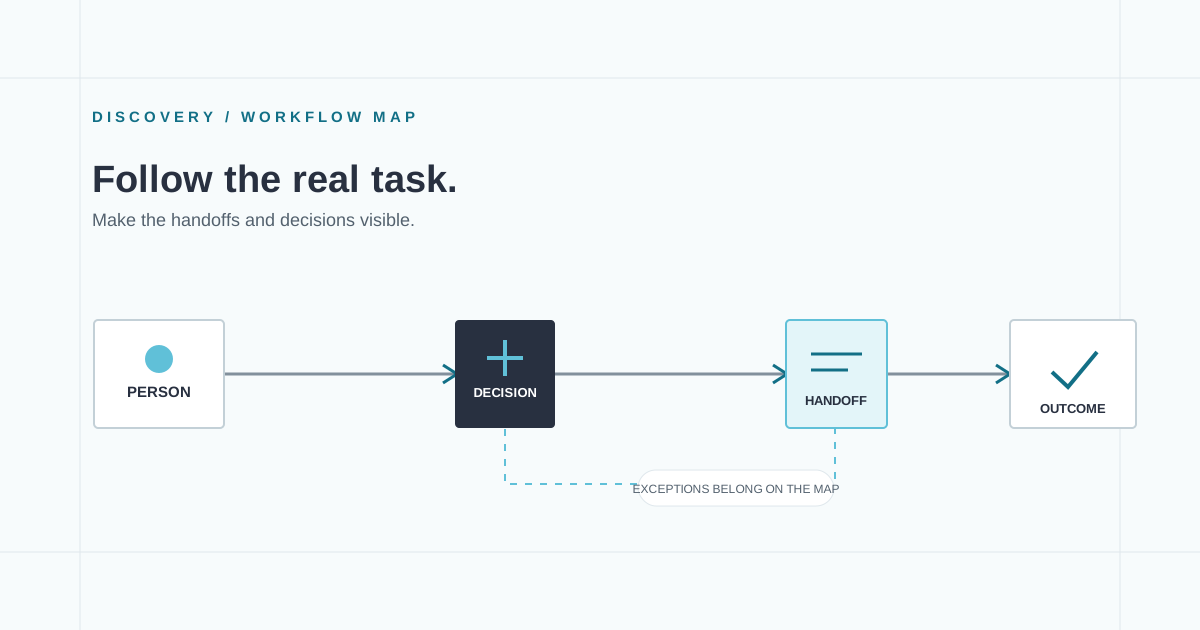
A happy-path diagram shows how work is supposed to move. A useful discovery map also shows where it pauses, loops, or needs judgment. Mark the points where a person waits for information, checks a record, resolves a mismatch, asks for approval, or copies data into another tool.
For each handoff, ask what the next person needs in order to continue. For each exception, ask how it is recognized and who is allowed to resolve it. These details influence permissions, notifications, data shape, and the amount of human review a product needs.
Do not treat every exception as a reason to automate. Some exceptions are rare but consequential; others are routine and predictable. The first group may need a clear review path. The second may be a candidate for a better workflow or an integration.
Separate the need from the proposed feature
Translate requests into an outcome before choosing an implementation. “Send a reminder” might mean that a team needs to see which items are waiting on them. “Add AI” might mean that staff spend too long finding a relevant passage in a large collection. The proposed feature is one hypothesis about the solution.
Write down the need, the current workaround, and the evidence behind it. If the evidence is only an assumption, label it as an assumption. A short observation session, a few conversations with the people doing the work, or a review of existing records may answer a more important question than another planning meeting.
Compare build, buy, and connect
Custom software is useful when the workflow is important and existing tools cannot support it without awkward gaps. It is not automatically the best answer. Compare at least three options:
- Configure an existing product and accept its boundaries.
- Connect existing tools so information travels with less manual effort.
- Build a focused application for the parts that are genuinely distinctive.
Consider the cost of ownership as well as the cost of the first release. Someone will need to manage access, fix defects, update dependencies, support users, and decide what happens when an integration changes. A small, well-bounded tool can be a good investment; a custom copy of a commodity workflow can become needless maintenance.
Leave discovery with decisions
A useful discovery note can fit on a page. It should identify the user and task, the current route, the most important friction, the information involved, known constraints, unresolved questions, and one signal the team can use to judge whether the first release helped. Add an explicit “not in this first version” list.
That note is not a promise that every uncertainty has been solved. It is a shared starting point for choosing a scope the team can test and maintain. If you are considering a custom application, we can help map the workflow and shape a practical first scope.